Retrofy
A downloadable tool for Windows
Convert modern images into crisp, low-fi marketing assets in real time.
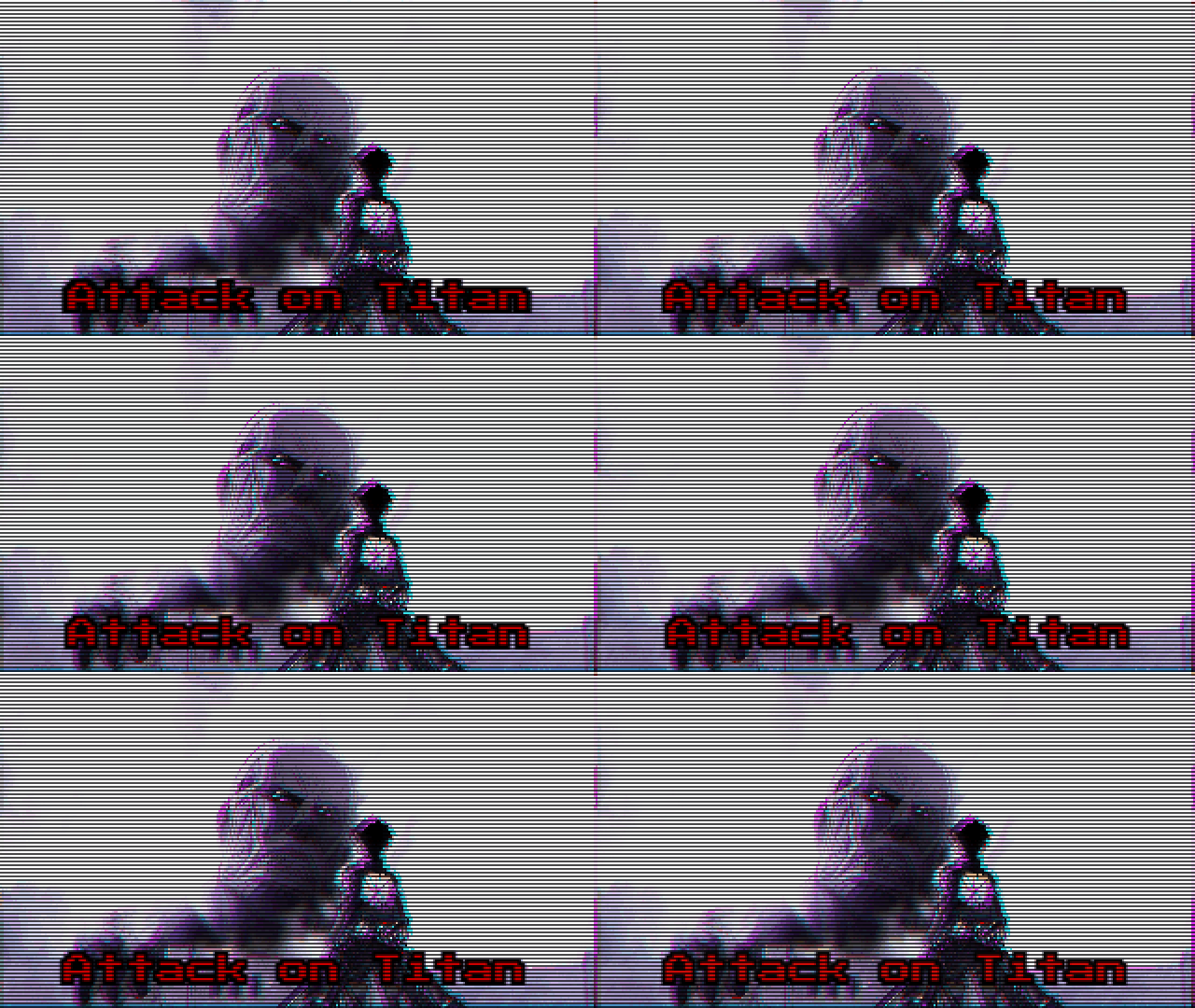
Retrofy is a real-time visual degradation pipeline built for indie devs who love the texture, crunch, and jitter of retro aesthetics. If you need clean, authentic-looking low-fi media for your storefront, devlogs, or social updates, this tool lets you drop in high-res art and programmatically downsample it to capture the feel of classic hardware.
Easily emulate the stylized look psx era consoles, PC/Mac interfaces, or analog CRT displays.
Technical Features
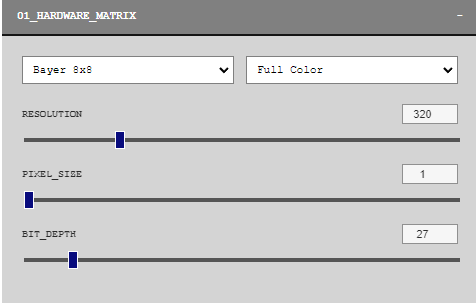
01 // Hardware Matrix (Resolution & Dithering)
Nearest-Neighbor Downscaling: Skips modern bilinear smoothing to deliver sharp, jagged, pixel-perfect edges.
Bayer Grid Dithering: Utilizes 4x4 and 8x8 ordered dither matrices to convert smooth gradients into classic crosshatch patterns.
VRAM Bit-Depth Reduction: Limits palettes down to 15-bit color (32,768 colors) or high-contrast 1-bit monochrome.
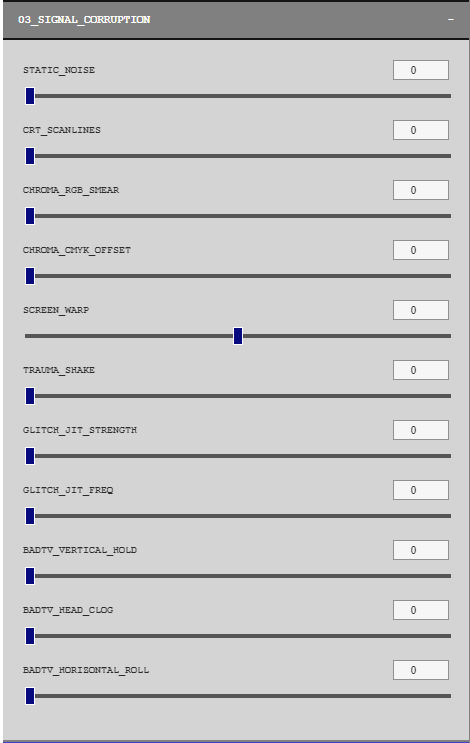
02 // Signal Corruption & CRT Emulation
Bi-directional Screen Warp: Generates barrel and pincushion distortion to mimic the curvature of old monitor glass.
Chroma Smear & Trauma Shake: Separates RGB channels and introduces randomized coordinate jitter to simulate analog signal noise.
RF Interference: Draws phase-shifting horizontal scanlines and dynamic static.
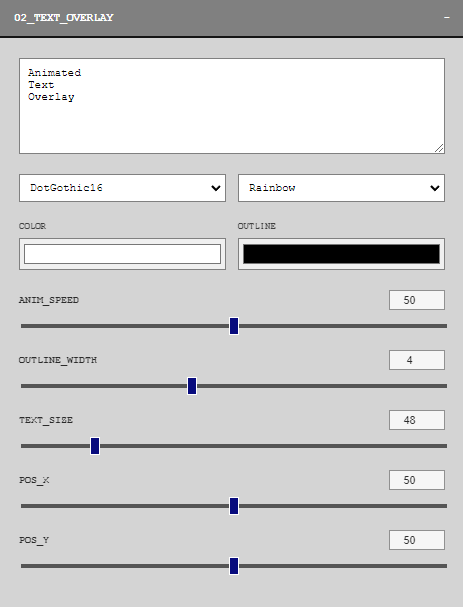
03 // VRAM Text Overlay
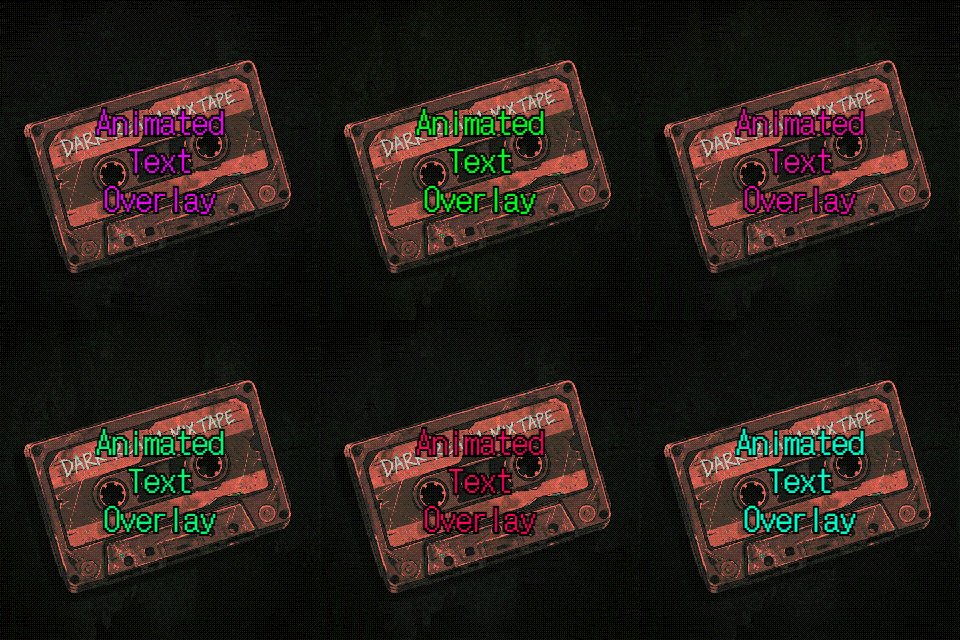
Animated Logic: Adds sine-wave vertical text movement and dynamic HSL color cycling across animation frames.
Retro Fonts: A selection of retro fonts from goodle
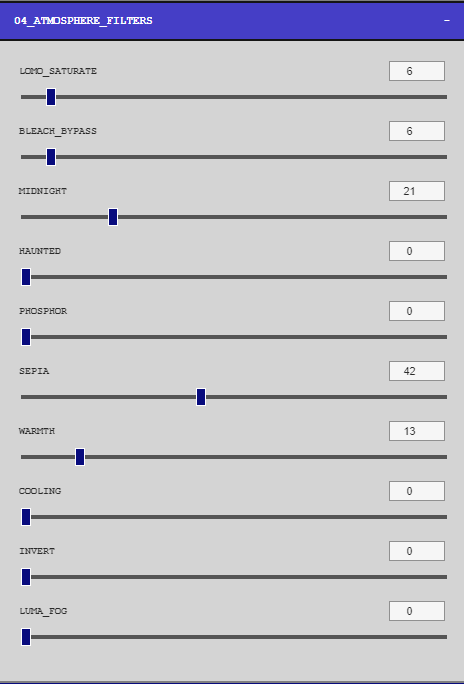
04 // Atmosphere Filters
Gradual Lomo: Crushes shadows and over-saturates midtones using exponential power functions (x^{2.5}).
Bleach Bypass: High-contrast, low-saturation rendering that emulates silver-retention film processing—ideal for dark or gritty settings.
Tailored for Itch.io: Optimized GIF Exporting (Image size and quality may vary)
Dynamic retro elements like moving static noise heavily impact GIF compression, resulting in heavy file sizes that slow down page loading times.
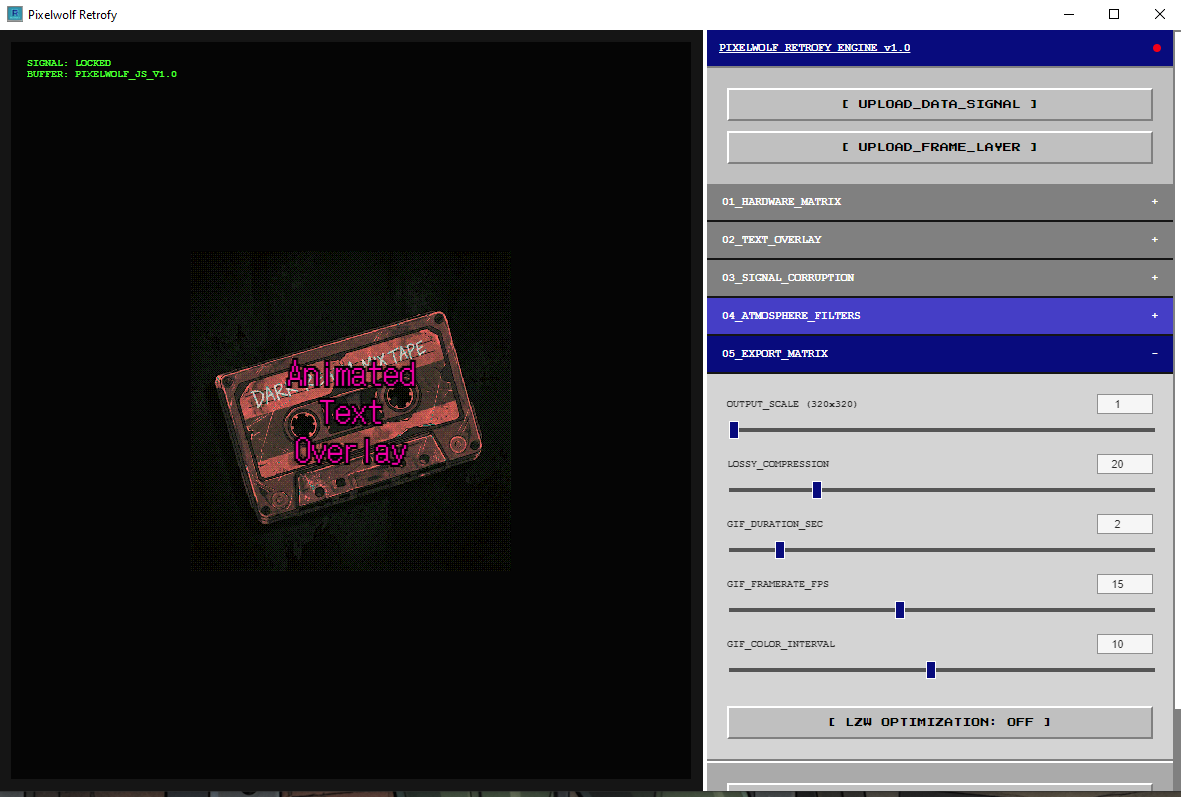
The engine uses a built-in Lossless LZW Optimization to fix this. During the export loop, the software temporarily pauses high-frequency, randomized screen changes. Because consecutive frames share identical pixel segments, the LZW encoder compresses the file with maximum efficiency—reducing your final GIF size overall.
Once captured, your PNG snapshots or GIFs can be upscaled up to 8x using nearest-neighbor parameters so the low-fi art stays razor-sharp on modern displays however this will impact filesize.
Setup & Environment
Pricing & Updates
Get full access to the pipeline for just for Free with a recommended donation of $4.99 to aid in further development. Your purchase includes lifetime updates, ensuring you get every new filter, optimization, and tool feature we add down the line without any hidden fees or subscriptions.
Download
Click download now to get access to the following files:
Leave a comment
Log in with itch.io to leave a comment.